Cleaner
Independent mobile product company
StudioX designs and develops focused mobile applications for iOS and Android. We turn one clear user problem into a product that feels fast, understandable, and dependable.
Our products
Each StudioX app is designed around a specific job. The experience stays direct, while the engineering behind it handles the complexity.
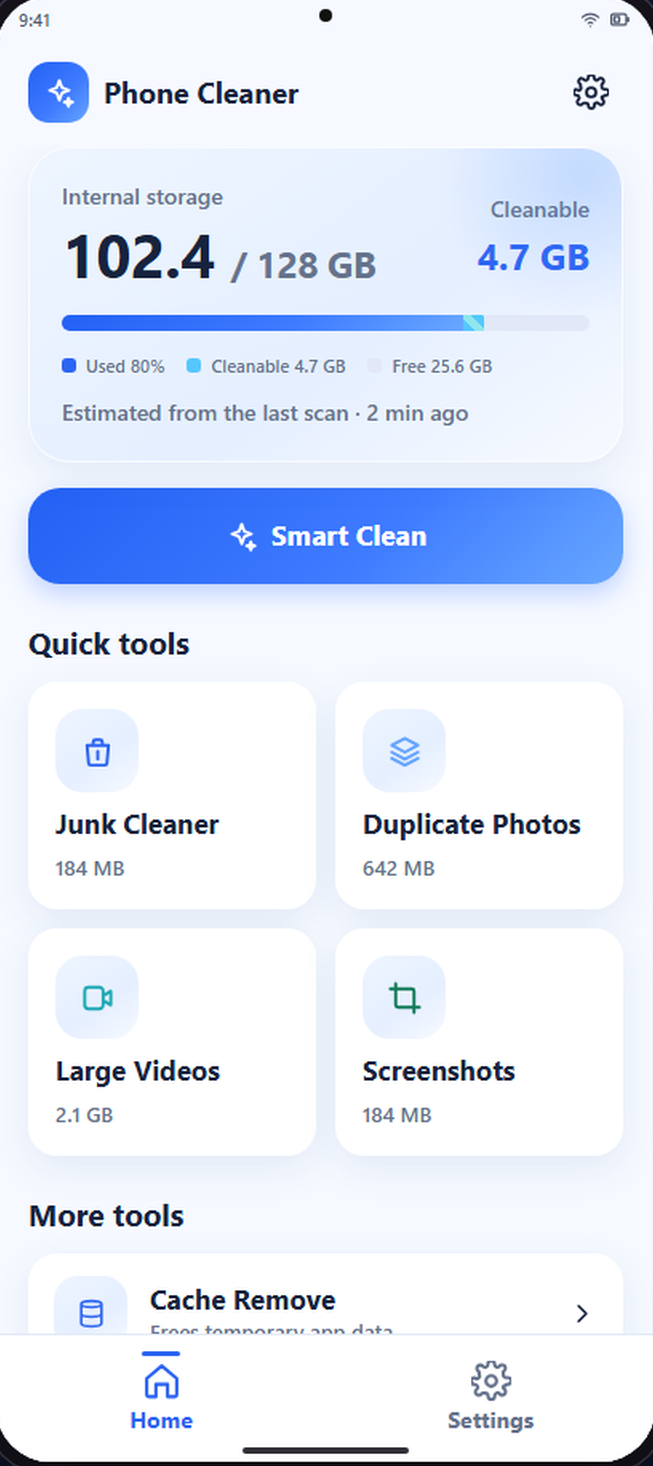
Android utility
See what is taking up space, review every suggestion, and choose exactly what leaves your phone.
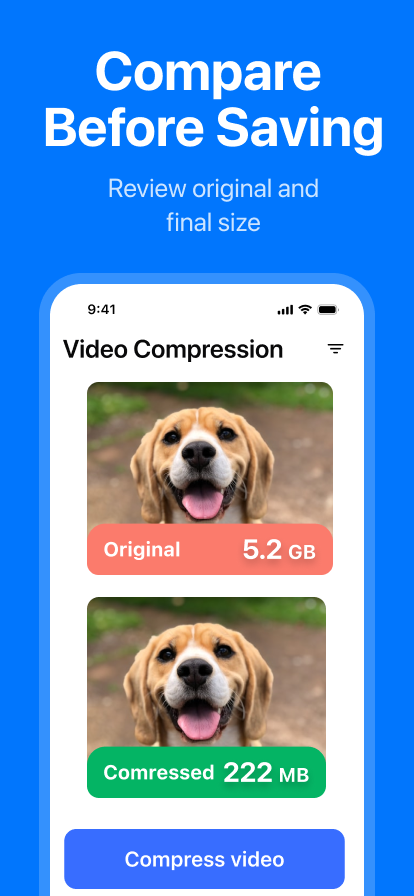
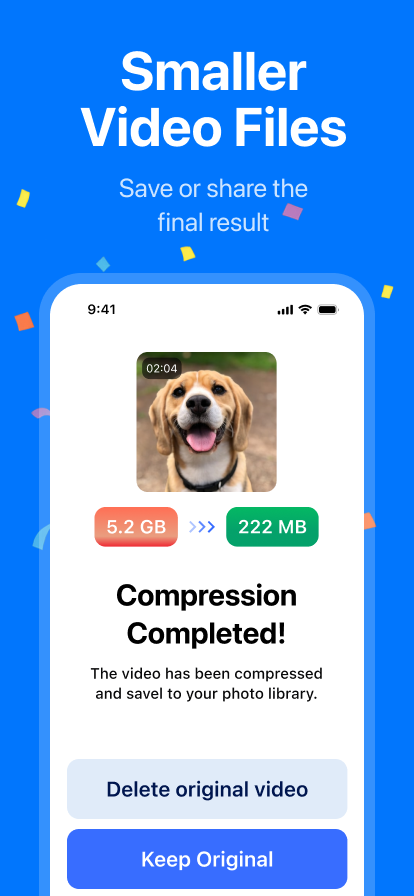
Video utility
Reduce large video files, compare the result, and keep control of the original from start to finish.
What we do
We combine product definition, interface design, mobile development, and release ownership in one compact team.
Clarify the user problem, the smallest valuable scope, and the product decisions that matter before build work expands.
Build understandable interfaces and reliable iOS or Android experiences with performance and platform conventions in mind.
Prepare store releases, support real users, and improve the product from concrete feedback rather than feature noise.
How we work
Simple products are not made by skipping details. They are made by resolving the right details in the right order.
Agree on the user, the problem, and what a successful first release must do.
Design and engineer the shortest dependable path through the product.
Release, listen to real usage, and improve without losing the product's focus.